ArcGuard
A downloadable tool for Windows, macOS, Linux, and Android
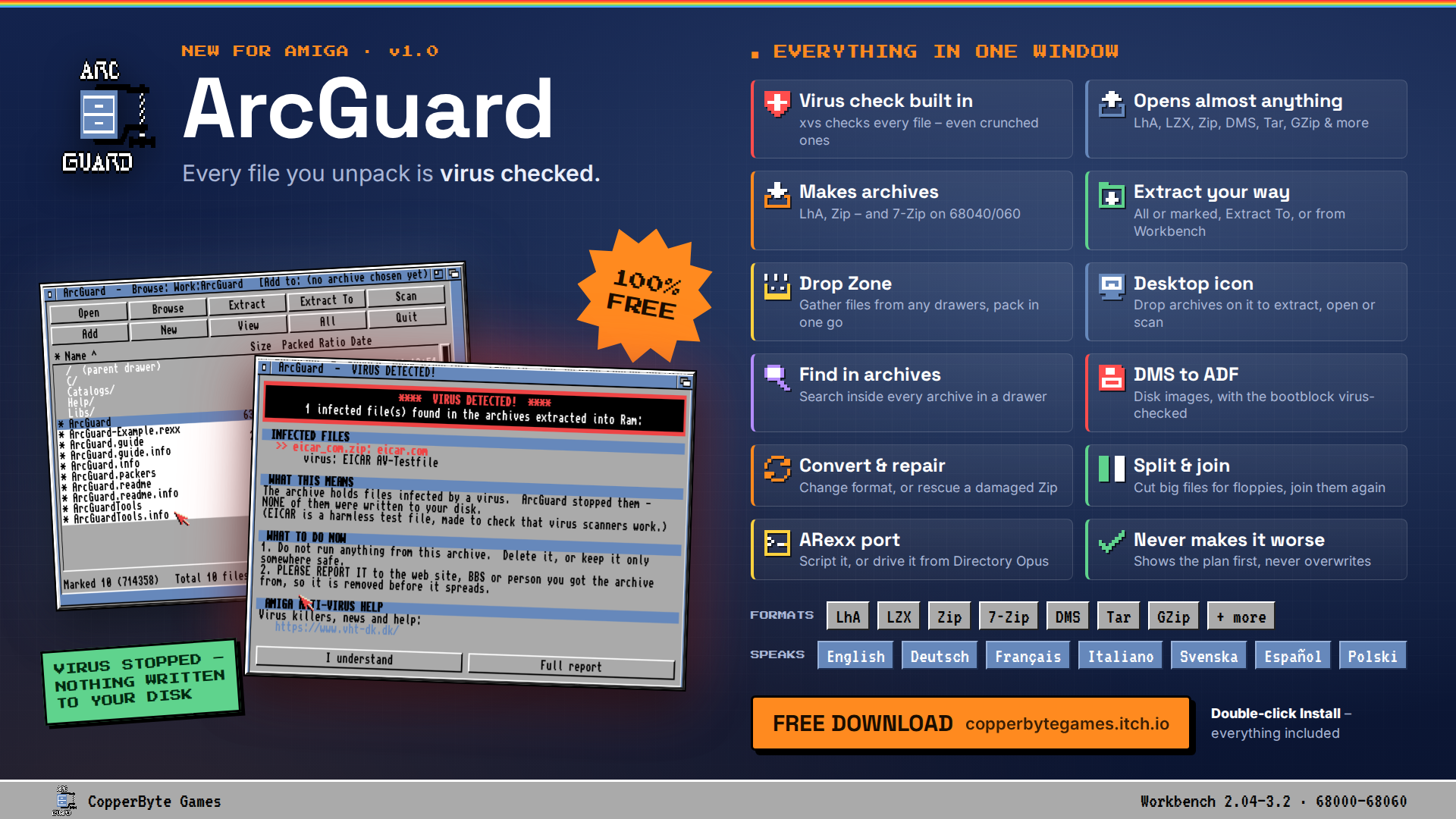
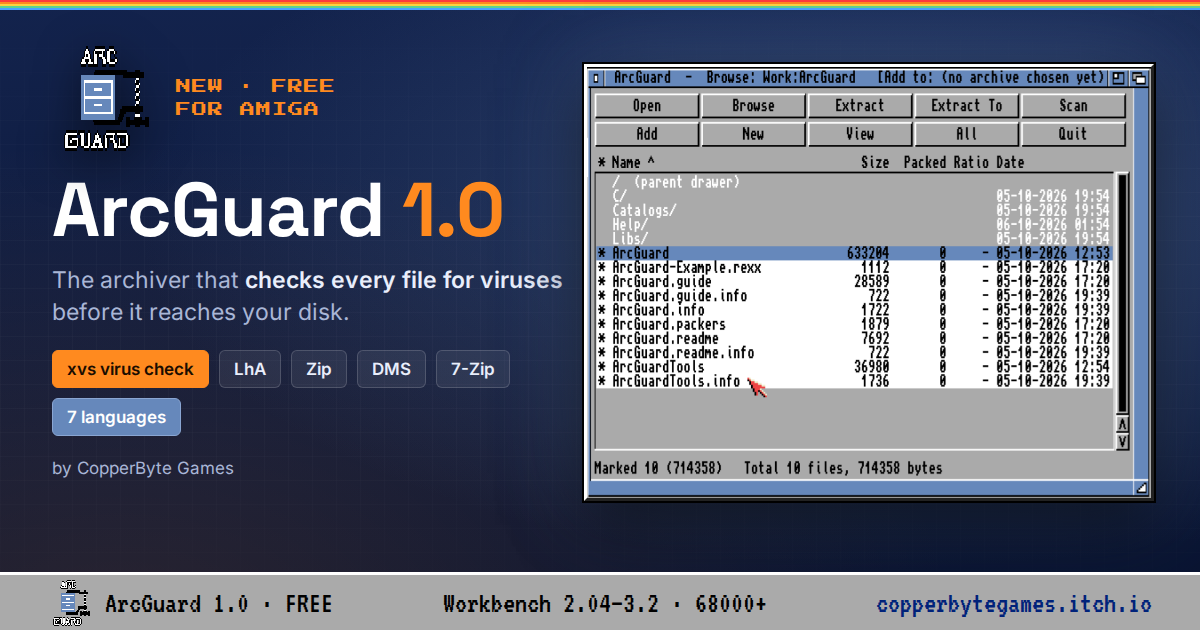
ArcGuard is a free archiver and unarchiver for the Commodore Amiga, in the style of the classic WinZip and 7-Zip programs: one window, a list of what is inside the archive, and buttons for everything you need.
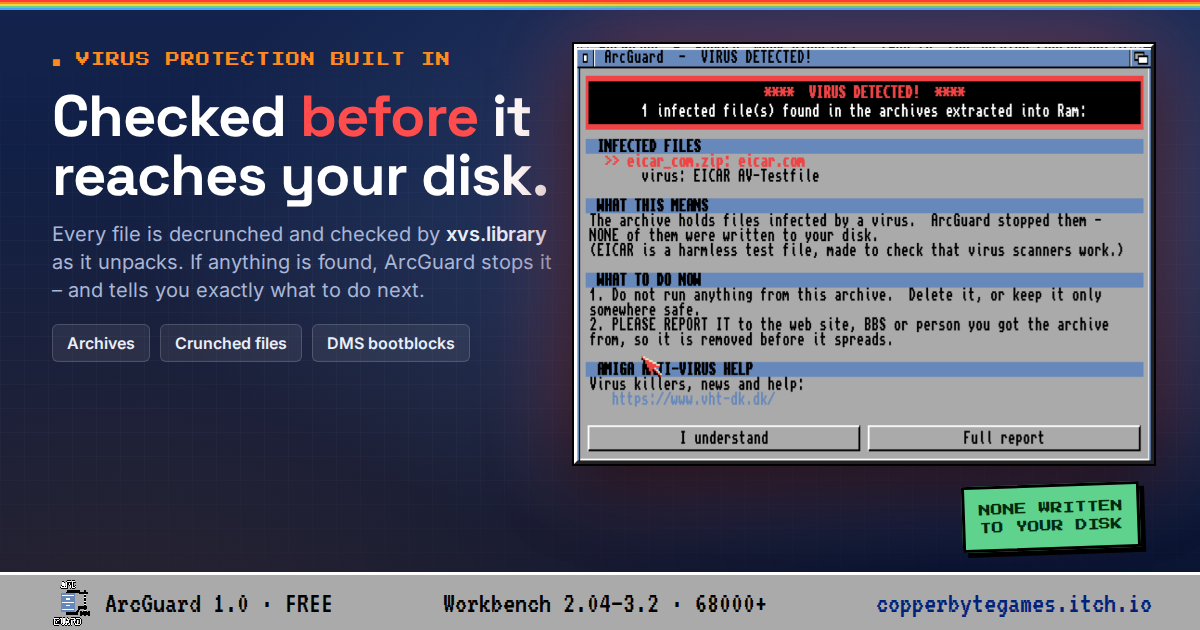
Every file is checked for viruses before it reaches your disk. Crunched files are decrunched first, so nothing hides inside them, and if something is found ArcGuard tells you exactly which file and what to do next.
WHAT IT DOES
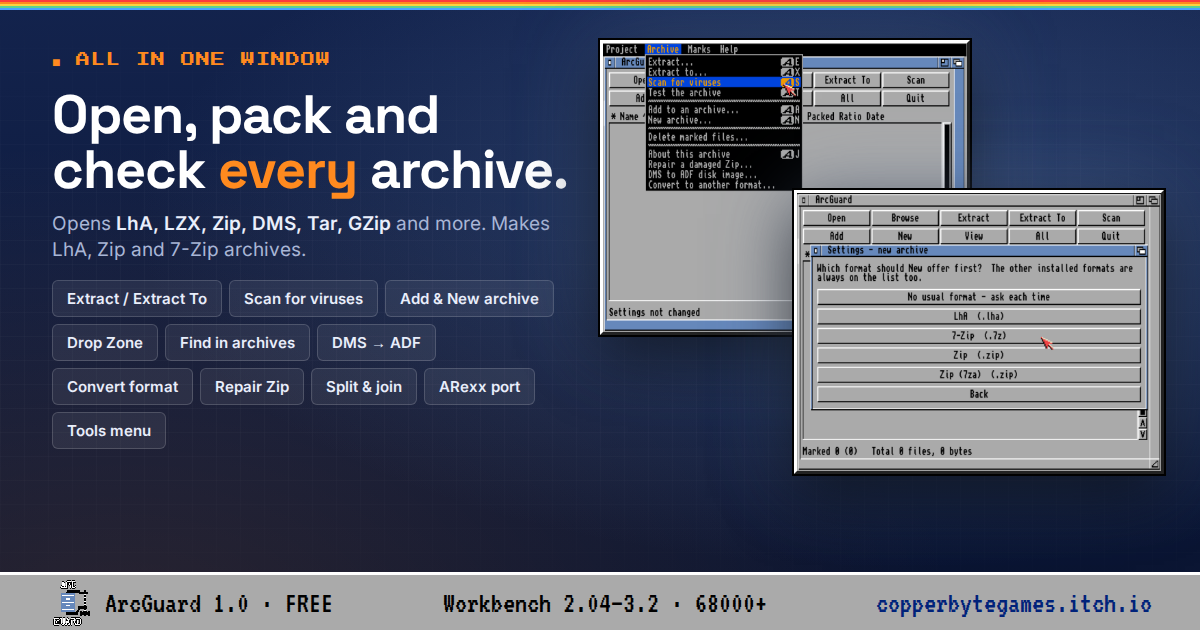
- Opens every archive xadmaster.library knows: LhA, LZX, Zip, DMS, Tar, GZip and many more
- Extracts everything or only the files you mark - Extract, Extract To, or Extract here from the Workbench Tools menu
- Makes new LhA and Zip archives, and adds to existing ones (7-Zip too on a 68040/68060)
- The Drop Zone: drop icons from any drawers onto one window and pack them together
- A desktop icon: drop archives on it to extract, open or scan them - or drop files for a Quick add
- Find in archives, Test, Delete from an archive, passwords, Filter, sort by any column
- DMS to ADF (with the bootblock virus-checked), Convert an archive to another format, Repair a damaged Zip
- Split big files for floppies and join them again
- An ARexx port for scripts and Directory Opus
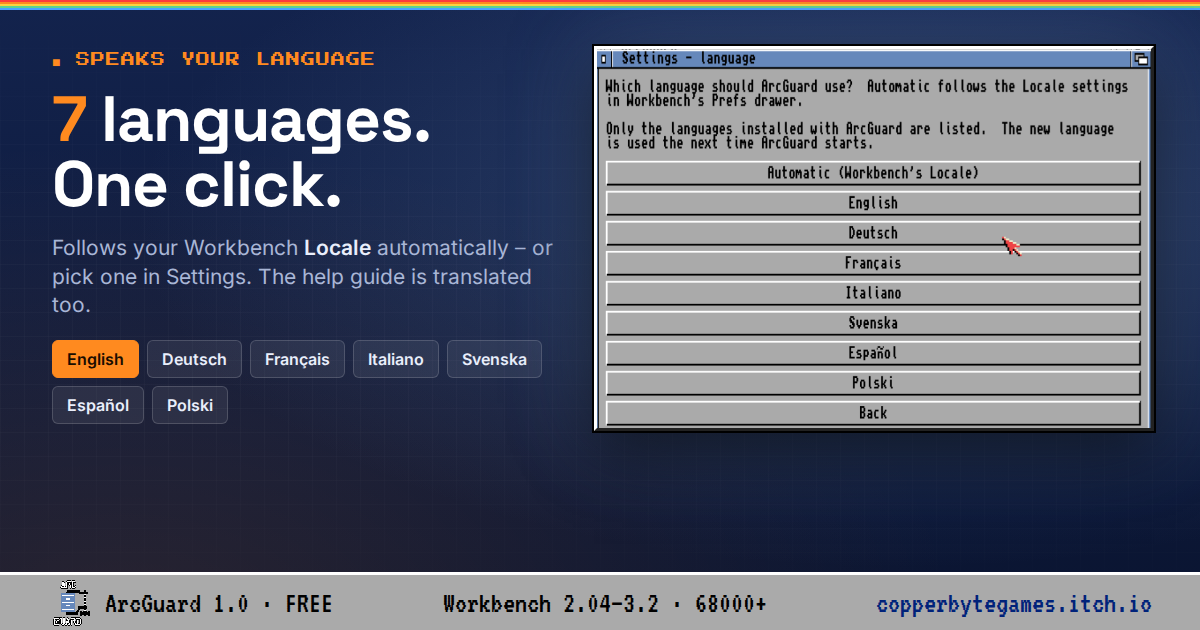
- Speaks English, Deutsch, Français, Italiano, Svenska, Español and Polski - the guide too
- Never makes things worse: it shows you the plan before it writes anything, never overwrites without asking, and keeps a backup when adding to an archive until the result is checked
REQUIREMENTS
- Workbench 2.04 or newer (tested on 3.1 and 3.2.3)
- Any 68000 or better, and a hard disk
- 7-Zip needs a 68040 or 68060 with FPU
WHICH DOWNLOAD DO I NEED?
There are two editions. Both have the same ArcGuard - the only difference is 7-Zip.
Full edition (68040 / 68060) includes 7-Zip and the ixemul.library it needs
Lite edition (68000 - 68030) everything except 7-Zip - much smaller
Each edition comes two ways: a self-extracting file for your hard disk, or a set of floppy disk images.
- ArcGuard10.run Full edition, self-extracting (6.3 MB)
- ArcGuard10-Lite.run Lite edition, self-extracting (1.9 MB)
- ArcGuard10-Floppies-68040-68060.zip Full edition on 8 floppy disks (ADF)
- ArcGuard10-Floppies-68000-68030.zip Lite edition on 3 floppy disks (ADF)
Not sure? With a 68000, 68010, 68020 or 68030, take the Lite edition. The Full edition installs on those too - Install simply leaves 7-Zip out.
Free to use. Please report problems - and any virus it missed - in the comments
Download
Install instructions
INSTALLING FROM A .run FILE
No LhA needed - the file unpacks itself.
1. Copy the .run file into an empty drawer on your hard disk, for example Work:Temp.
2. Open a Shell there and run it: CD Work:Temp ArcGuard10.run (or ArcGuard10-Lite.run)
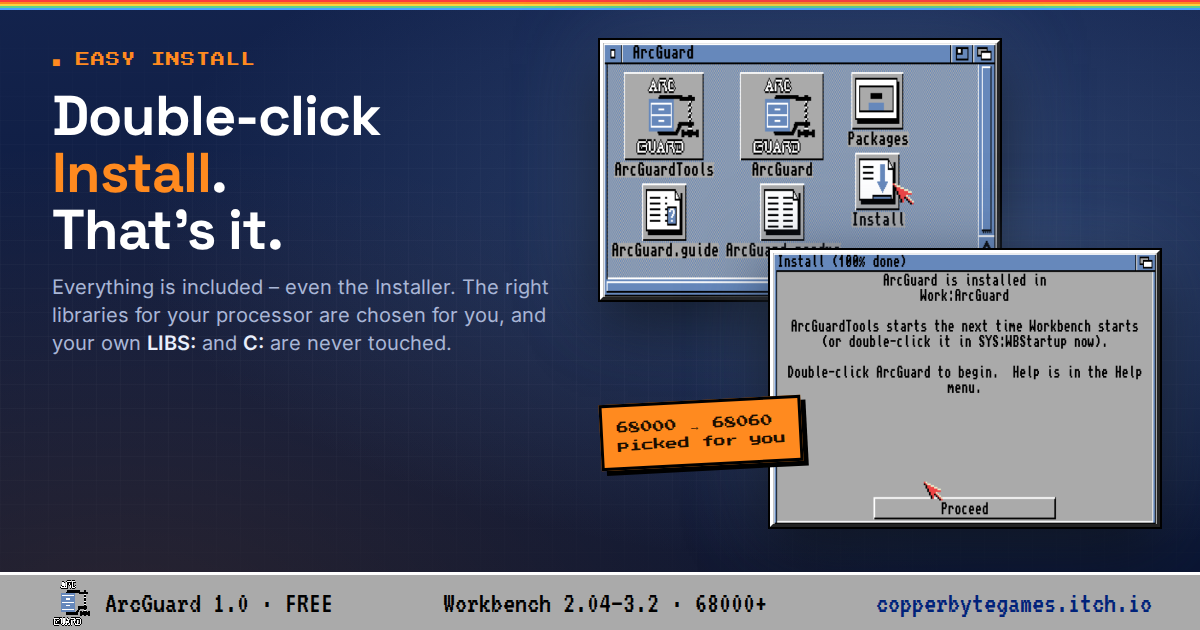
3. Open the ArcGuard drawer it made and double-click Install.
INSTALLING FROM FLOPPY DISKS
For an Amiga with just a floppy drive and a hard disk.
1. Unzip the floppy set and write each .adf to a floppy disk (with ADF-Copy, Greaseweazle, or your usual tool - or use the .adf files directly on a Gotek or in an emulator). The disks are named ArcGuard1, ArcGuard2 ... (Full) or ArcGuardLite1 ... (Lite).
2. Insert disk 1 and double-click Setup-ArcGuard. It copies each disk to Work:ArcGuard-Setup - your Amiga asks for each disk in turn, so one drive is enough - then joins and unpacks everything.
3. Open Work:ArcGuard-Setup, then the ArcGuard drawer, and double-click Install.
4. When ArcGuard is installed, you can delete Work:ArcGuard-Setup.
No Work: partition? Open a Shell and name another drive, for example: Execute ArcGuardLite1:Setup-ArcGuard DH1:
Free space needed while setting up: about 5 MB (Lite) or 14 MB (Full).
ABOUT INSTALL
Everything comes with it - including the Installer program itself, the libraries and the packers - and the right version for your processor is chosen for you. Your own LIBS: and C: drawers are never touched. Installing over an older ArcGuard keeps your settings.
Leave a comment
Log in with itch.io to leave a comment.